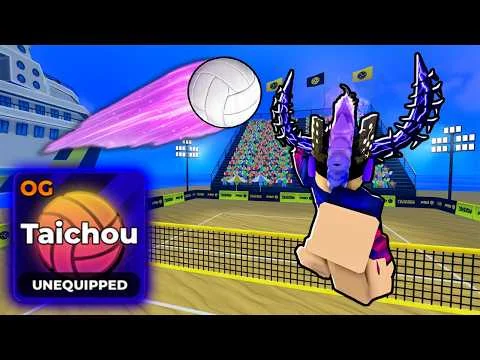
Step-by-Step Redemption Process
- Launch Volleyball Legends and wait for the main menu to fully load (do not skip cutscenes or loading screens).
- Click the 'Menu' button (top-right corner on PC; pause menu on consoles) select 'Codes'.
- A pop-up window will appear with a text field labeled 'Enter Code'. Type the code exactly as shown - case-sensitive, no spaces.
- Click 'Redeem' (PC/Xbox) or press 'X' (PlayStation). If valid, a green confirmation message appears: 'Code redeemed successfully!'
- Rewards appear instantly in your inventory: Lucky Style Spins or Lucky Ability Spins will be added to your spin counter - no reload required.
- If you get 'Invalid code', double-check spelling, capitalization, and whether the code has expired (see table below). Do not refresh the page or rejoin - this does not fix invalid entries.
